

Spartakus APM New Features: June 2026
/
read

This release rounds up the latest Spartakus APM improvements, shaped directly by feedback from teams using the platform every day. The updates focus on three things: clearer route planning, more reliable data handling, and a smoother day-to-day experience for everyone from technicians to site administrators.
1. A Redesigned Route History View
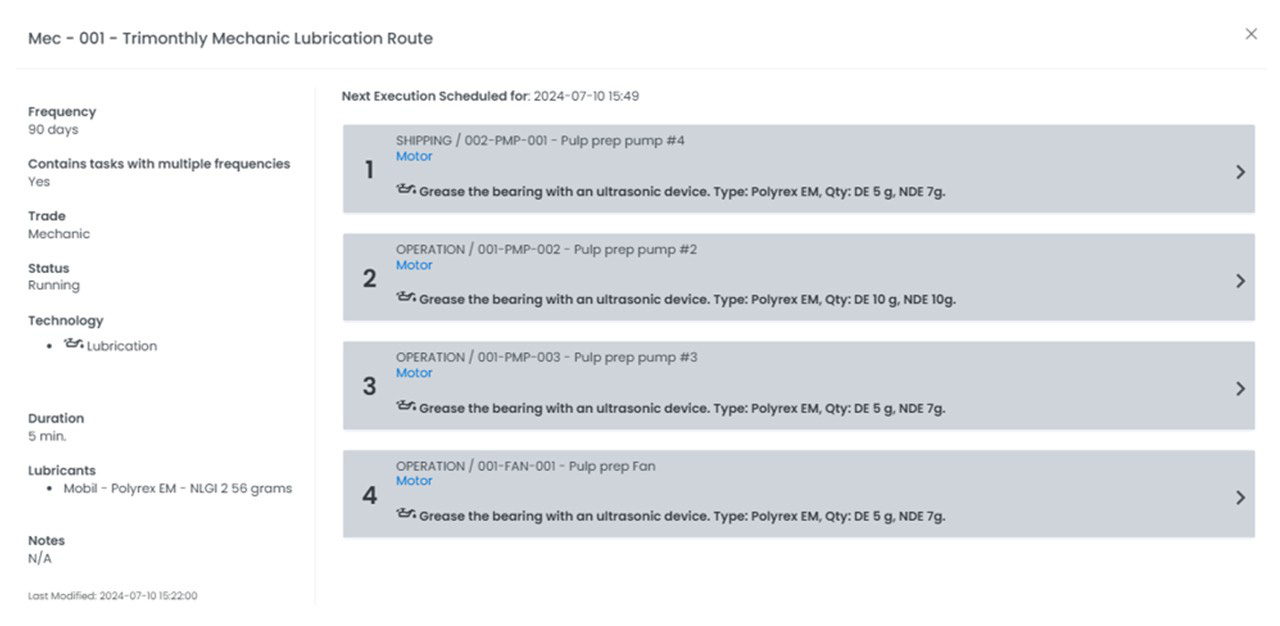
The route history view is where planners and technicians go to understand how a route has performed over time — what was completed, when, and how consistently. It’s one of the most frequently opened views in the Route Planner, so we rebuilt it to be faster to read and easier to act on.
What’s new
The route history view in the Route Planner has been fully redesigned. The new layout gives the route’s current Overview and its execution History their own dedicated spaces, so you can see the state of a route today and how it has run in the past without scrolling through a single dense panel. Status indicators are clearer, and the timeline of past route instances is far easier to scan.
Why it matters
Route history is essential for verifying compliance and spotting patterns in how work actually gets done. The previous view packed everything into one crowded panel, which made quick checks slower than they needed to be. The redesigned view surfaces the most important information first and gives historical data the room it deserves — turning a routine lookup into a glance.
Who benefits most
- Maintenance planners verifying that routes ran on schedule
- Reliability engineers reviewing execution trends over time
- Technicians confirming the current state of a route before starting
2. Keep Your Routes in Order: Control Rescheduling of Unmeasured Tasks
When a route is replanned, what should happen to the tasks that were never measured — because the equipment was down, locked out, or otherwise unavailable? Until now, the answer was rigid. This update hands that decision back to you.
What it does
A new setting lets you control whether tasks that weren’t measured get rescheduled when a route is replanned. With it enabled, replanning a route brings back only the tasks that are actually due — rather than reactivating every task in the route, including those already completed.
Why it matters
Several teams reported the same frustration: when they replanned a route just to finish a few outstanding tasks, every task in the route came back active, not only the ones still due. Over time, this left routes mixed up and made schedules hard to trust. This setting removes that friction, so a route stays organized exactly the way it should be.
Real-world example
A route is closed for the day, but a handful of tasks couldn’t be completed. The team replans the route to finish that remaining work. Previously, the entire route would reactivate — every task back to active, not just the ones still due. With this setting, only the genuinely outstanding tasks return, and the rest of the route stays settled.
3. Schedule 12-Hour Routes Around Your Operations
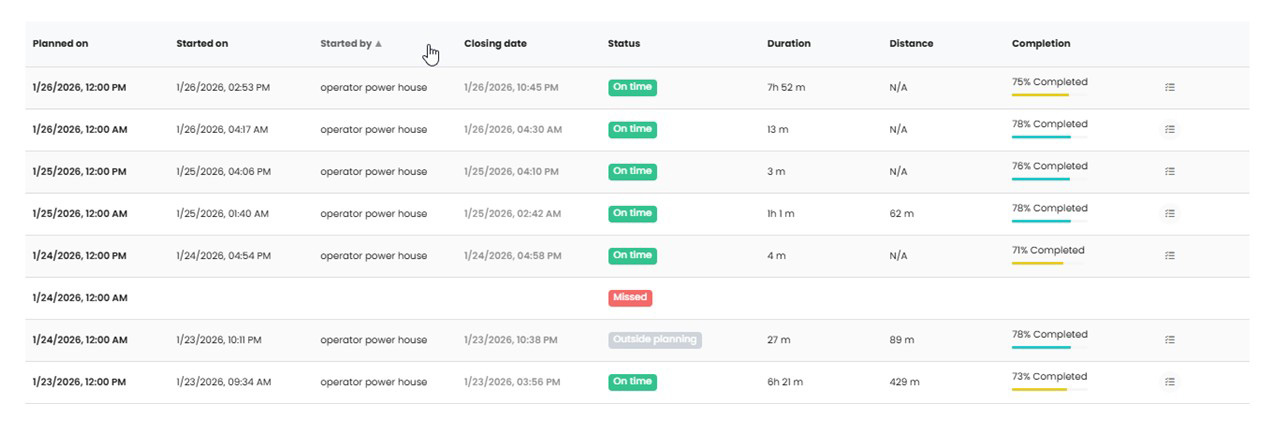

Not every operation runs on a midnight-and-noon clock. For routes that repeat every 12 hours, you can now set the start time that matches your shifts — instead of being locked to the system defaults.
What it does
Routes scheduled to repeat every 12 hours were previously fixed to start at 00:00 and 12:00. You can now choose the planned-on start time yourself, so the route’s planning windows line up with your shift pattern.
Why it matters
When a route is completed in the early hours — say, finishing at 2:20 a.m. — it should count toward the correct planning window, not a default midnight slot. Setting your own start time keeps compliance aligned with how your teams actually work, and keeps the numbers honest.
4. Work Orders That Wait for Route Finalization (SAP)
For sites integrated with SAP, this update brings work-order behavior on the web in line with the mobile app — and closes a gap that could lock users out of their own work orders.
What it does
When you create a work order while running a route on the web, the notification sent to SAP now waits until the route is finalized. This matches how the Spartakus mobile app already behaves.
Why it matters
Previously, as soon as the notification was sent to SAP, the work order could no longer be edited in Spartakus — any further changes had to be made in SAP. By holding the notification until the route is finalized, the work order stays editable in Spartakus for as long as you’re still working the route. You keep full control until the route is genuinely done.
5. Export the Default Asset Order from the Route Builder
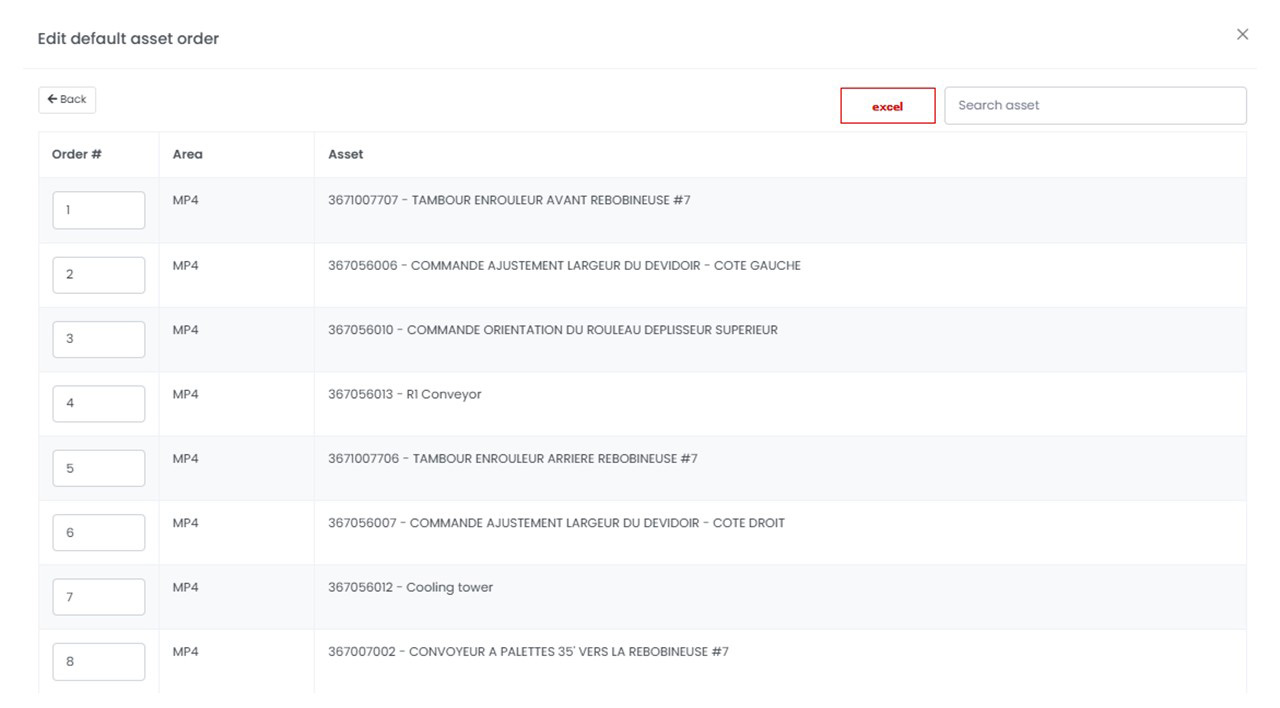
Sometimes you need a snapshot before you start making changes. The Route Builder now lets you export the default asset order so you always have a reference point to return to.
What it does
A new Excel export button in the Route Builder lets you download the current default asset order as a static reference file.
Why it matters
Changes to the default asset list take effect immediately, and until now there was no way to preserve the original order before editing. The export gives you a clean snapshot to keep on hand — useful as a backup, a planning reference, or a record of how a route was configured.
6. A Complete Export of User Accounts
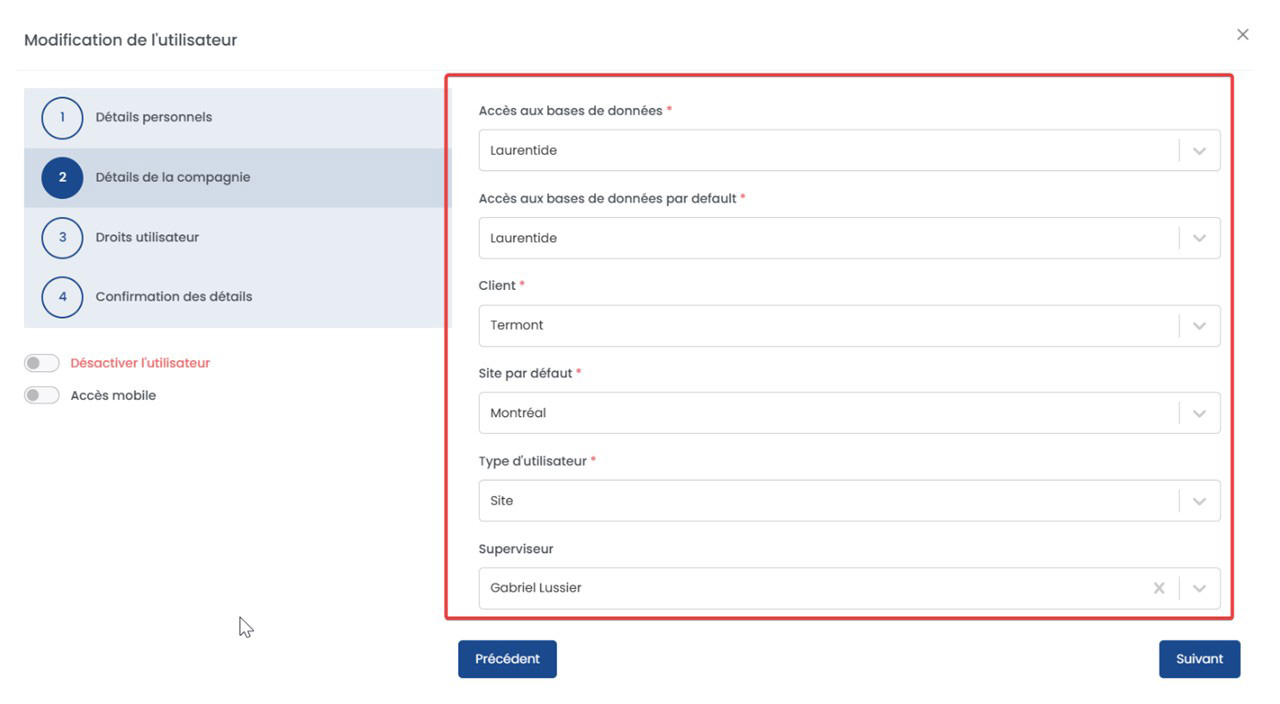
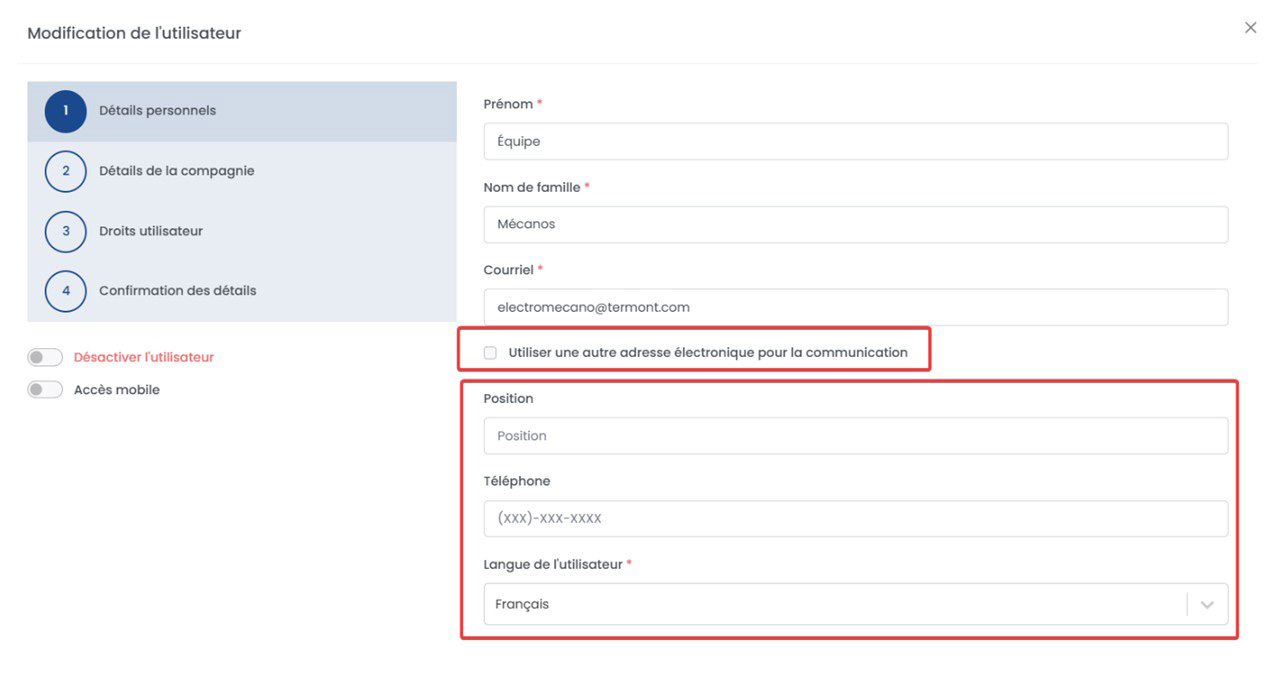

Exporting your user accounts should give you the whole picture — not just the part that happens to fit on screen. Now it does.
What it does
The Excel export in the user management screen now includes every field on each account, rather than only the columns currently shown in the on-screen table.
Why it matters
Administrators often need the full account record — role, data set and site access, contact details, user type, and more — for audits, access reviews, or bulk updates. The export now delivers that complete dataset in a single step, with no need to piece information together from multiple views.
7. A Reminder to Refresh a Stale Session
Browsers are good at remembering where you left off — sometimes a little too good. This update makes sure a long-running session never leaves you looking at outdated information without knowing it.
What it does
Spartakus APM now notifies you when your browser session has become out of date — for example, after reopening cached tabs following a restart — and prompts you to refresh the page so you’re always seeing the current version of the application.
Why it matters
If a page is left open for an extended period, certain on-screen elements can fall out of sync with the latest version of the platform, showing options or states that no longer apply. A quick refresh resolves it — and now the platform tells you when that refresh is needed, instead of leaving you to discover it on your own.
A Continued Commitment to Reliability
These updates share a single goal: removing friction from everyday work so your teams can focus on what actually moves the needle — reliable equipment and dependable data. From a redesigned route history view to smarter scheduling, cleaner exports, and small but meaningful interface touches, each change came from real feedback from the field.
Spartakus APM continues to evolve as a platform built around how maintenance and reliability teams really work, and we’re grateful to the clients and partners whose input shaped this release.
Ready to see Spartakus APM in action?
If you’d like to streamline route planning, simplify your maintenance data, and give your teams smarter tools to work with, we’d be glad to show you around.

Raphael Tremblay,
Spartakus Technologies
[email protected]